7×7letters on the board
6game modes
2languages: English and Portuguese
90sin Arcade mode
 WordBlaster
Rules · Modes · Tiles
Connect neighboring letters on a 7x7 board, build words in any direction, score points and climb the global ranking. Here are the rules, the scoring, the special tiles and every game mode.
Start playing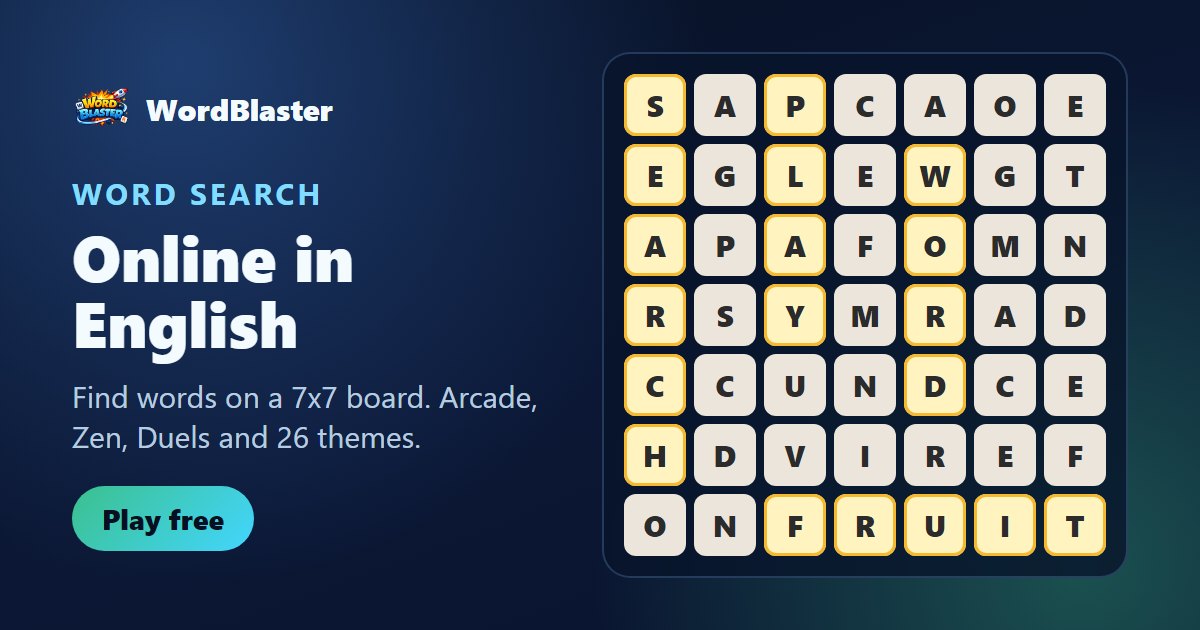
Tap and drag to connect neighboring letters in any direction. When you release a valid word, it scores and the letters pop off the board — new letters fall into place.
Each word only counts once per game. The history below the board shows everything you have found, and the meaning of each word appears when it is accepted.
The game is played in English or Portuguese: the language you choose also sets the dictionary, so in English mode only English words count.
Stuck? The Hint button (which uses a little energy) shows a possible word on the current board, and the Shuffle button deals a new board (the first shuffle of each game is free).
Some letters come marked with an icon. Use them in a word to trigger the effect:
Before each game you can set up a combo of special tiles to start with an edge.
Six ways to play, each with its own icon on the game's home screen:
The classic mode. You have 90 seconds to score as many points as you can. Long words and extra-time tiles make all the difference. Your result goes to the global ranking.
No clock and no rush. The game only ends when you decide to leave. Great for training your eye and finding new words calmly.
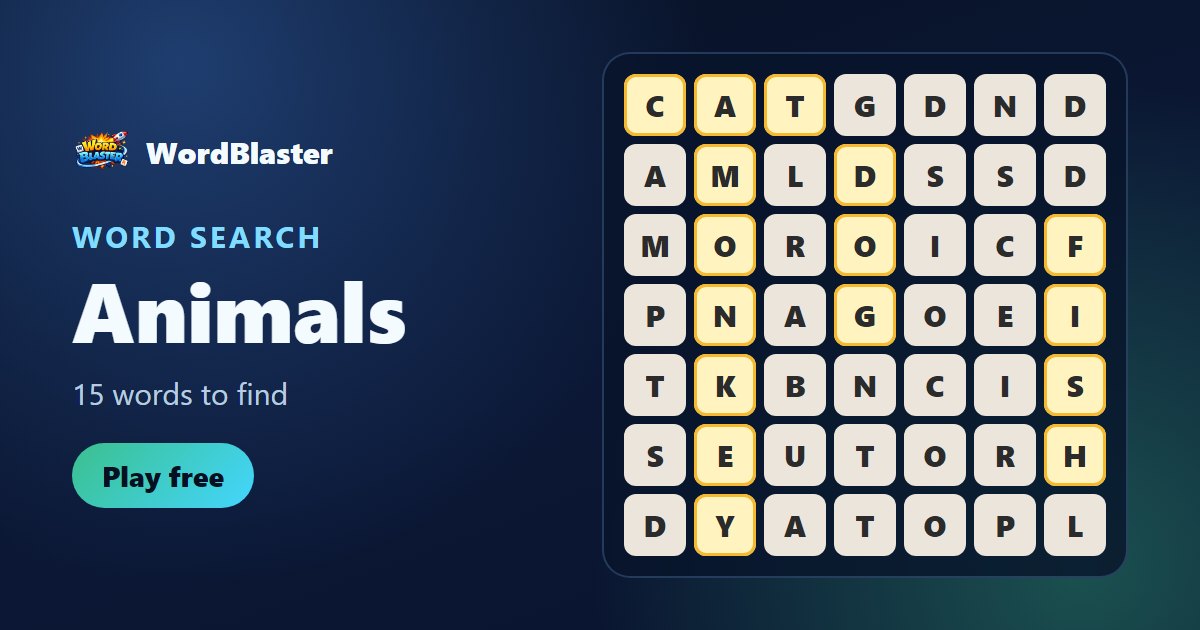
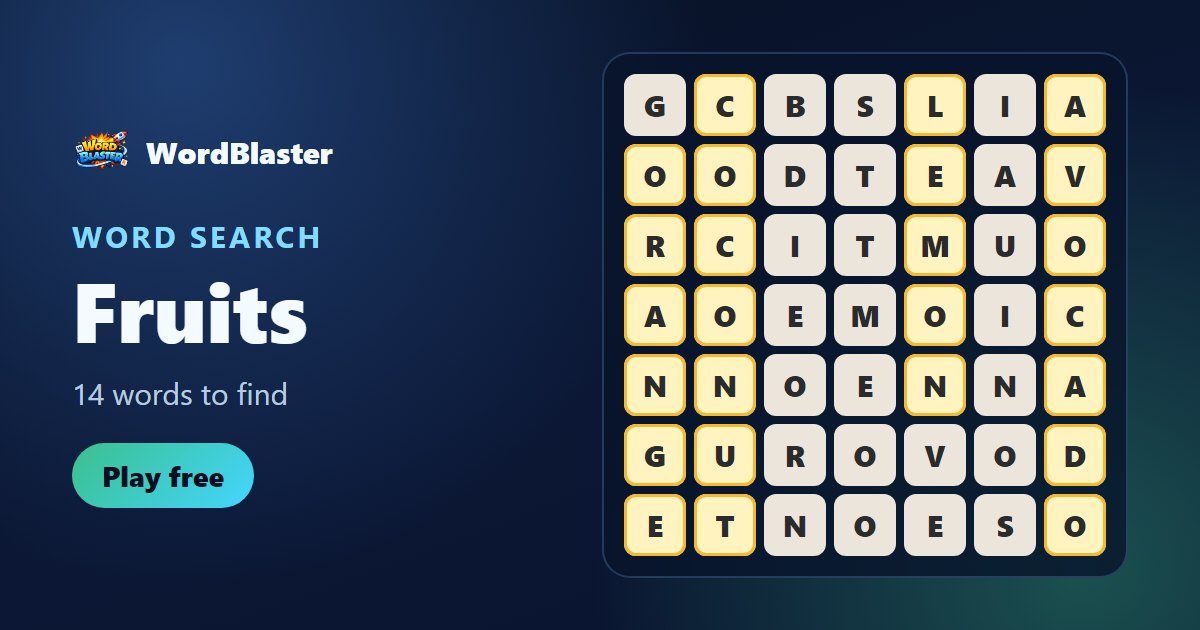
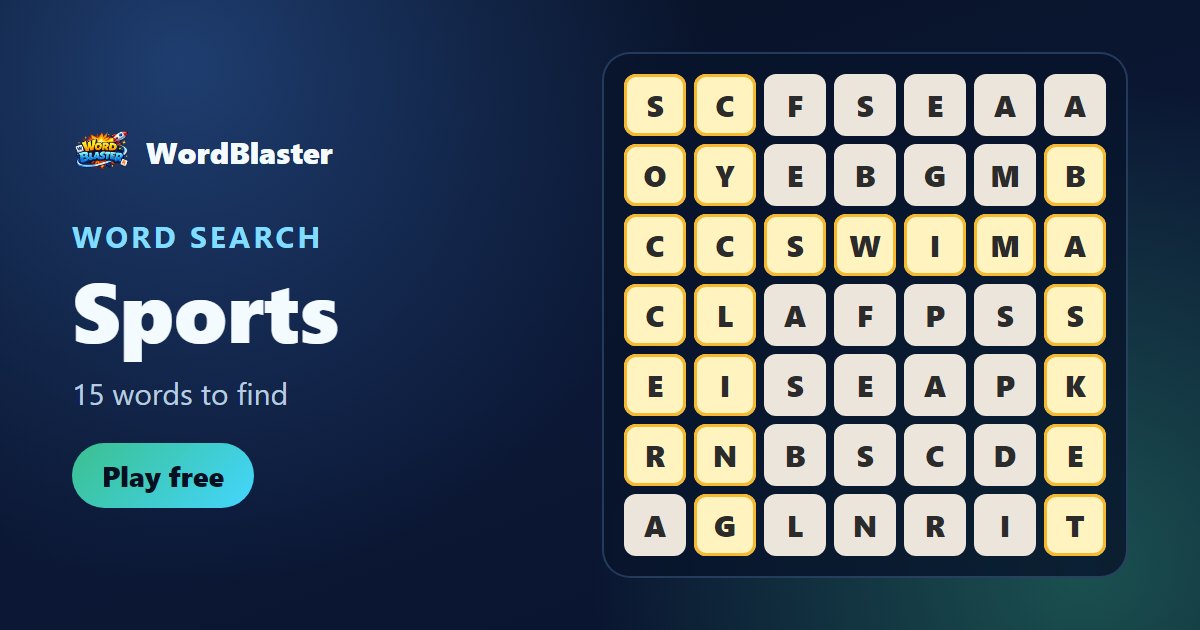
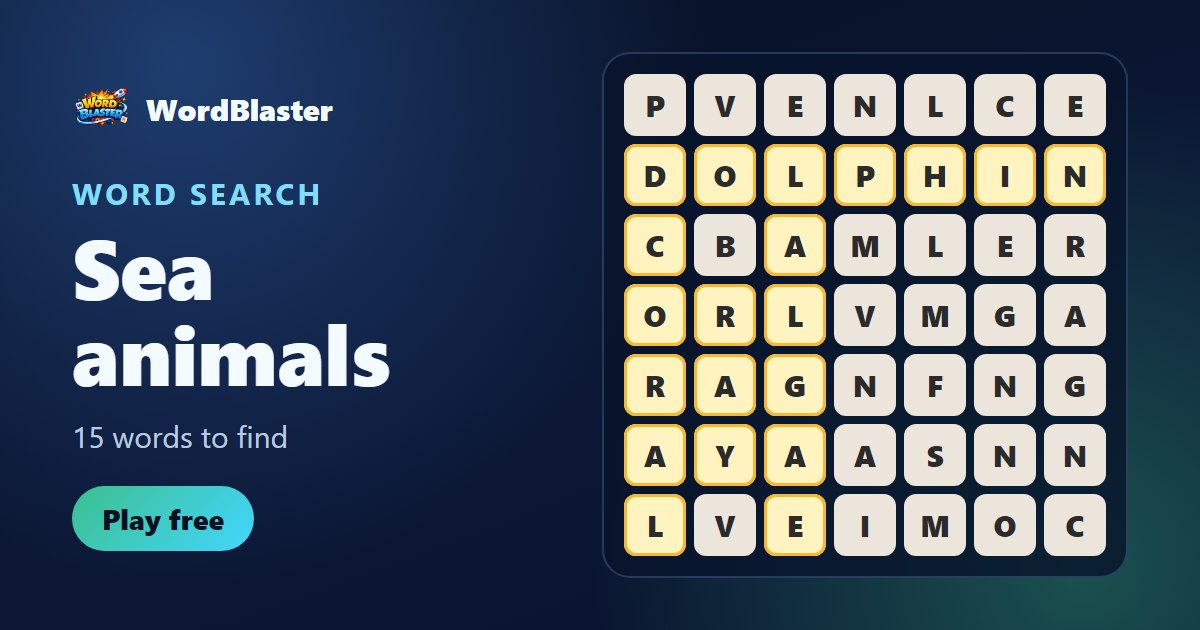
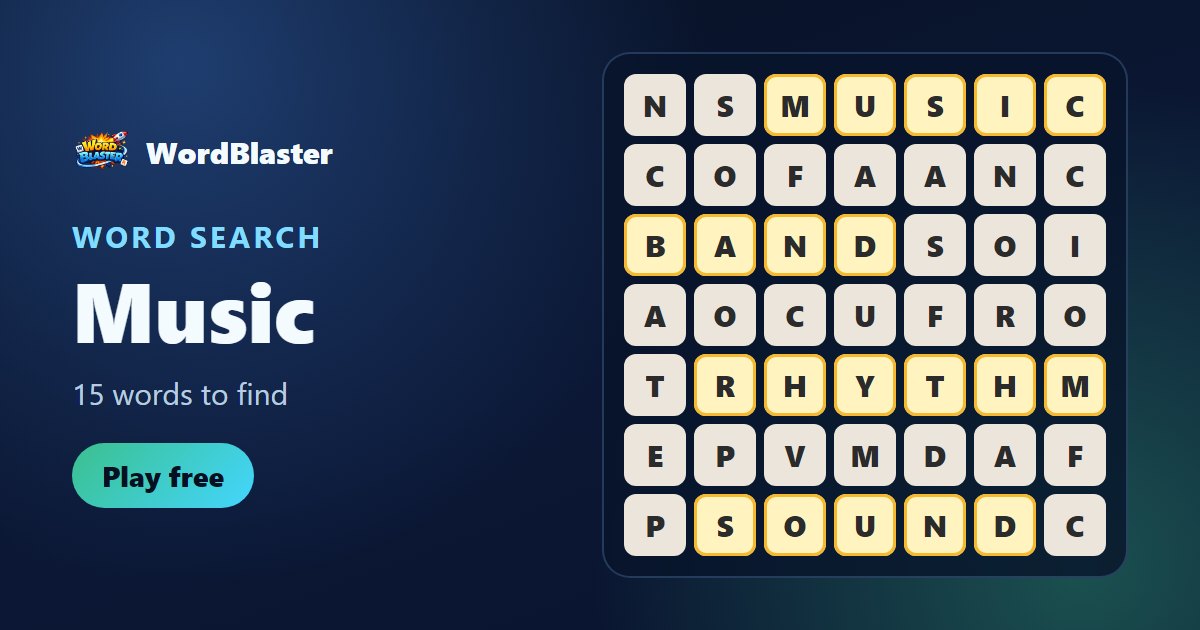
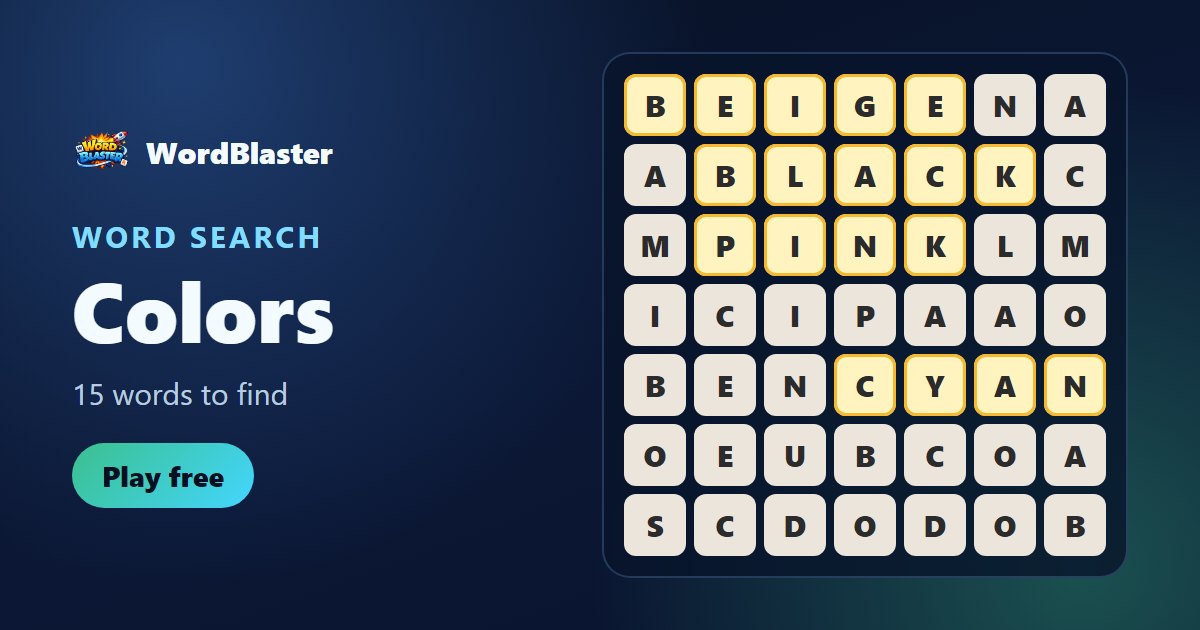
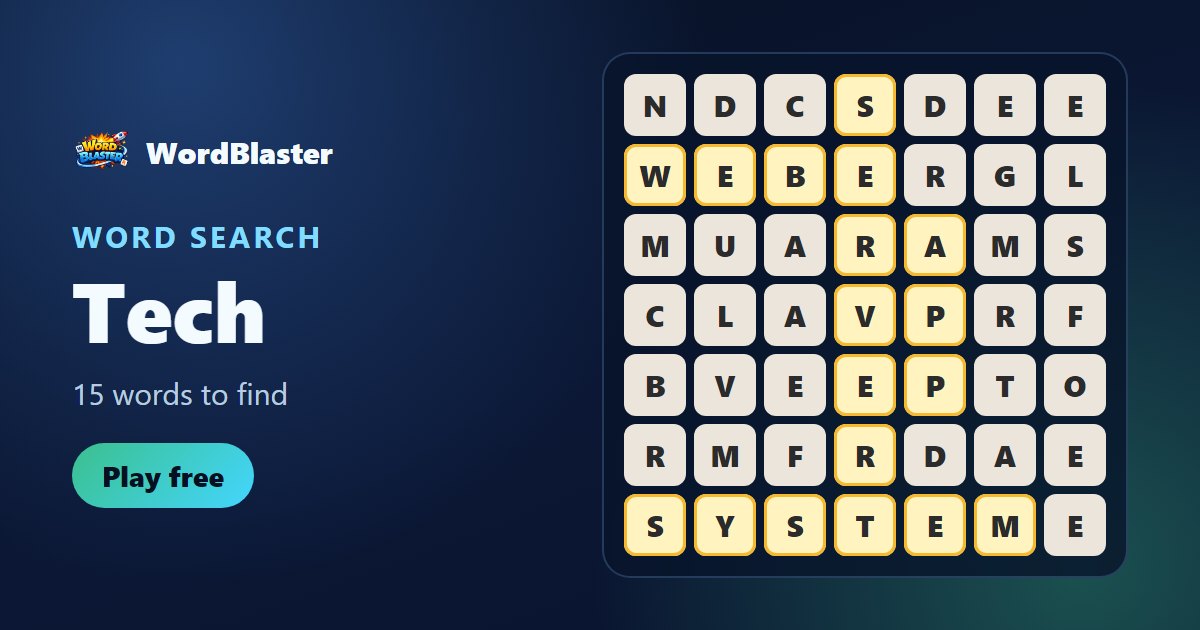
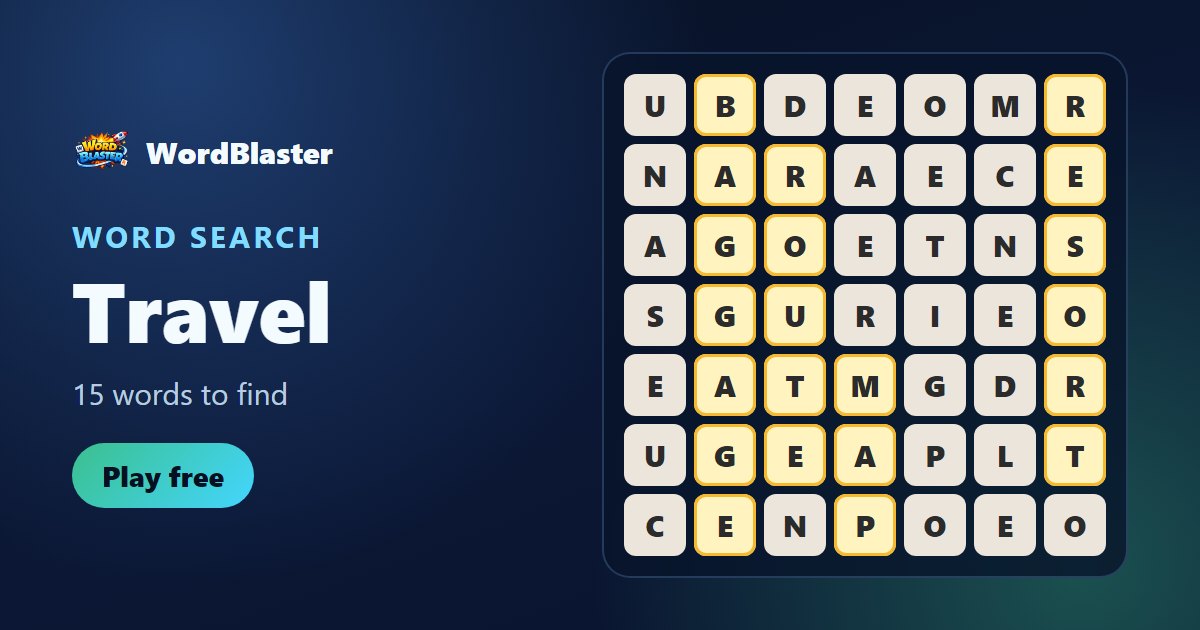
Each theme (travel, food, fruits and more) hides a list of words. The counter at the top shows how many you have found. Ideal for building vocabulary.
A 5-stage campaign. In stage 1 only 3-letter words count; each stage the length grows, up to 7-letter words. Find 10 words of the required length to move on.
One board per day, the same for every player. Here letters are not refilled: each word removes its blocks for good. The goal is to leave as few blocks as possible on the board. Think before spending a letter.
Challenge a friend to play exactly the same board. Whoever scores more wins the duel. Just share the challenge link.
In Themed mode each board hides the words of one topic. Some of the themes:

Each game uses energy. Energy refills over time and can also be earned by completing missions, playing the daily games and sharing results. When you sign in with your Google account or email, your progress, level, XP and records are saved in the cloud and you appear on the global ranking.